
What is Rippling AI Spend Console?
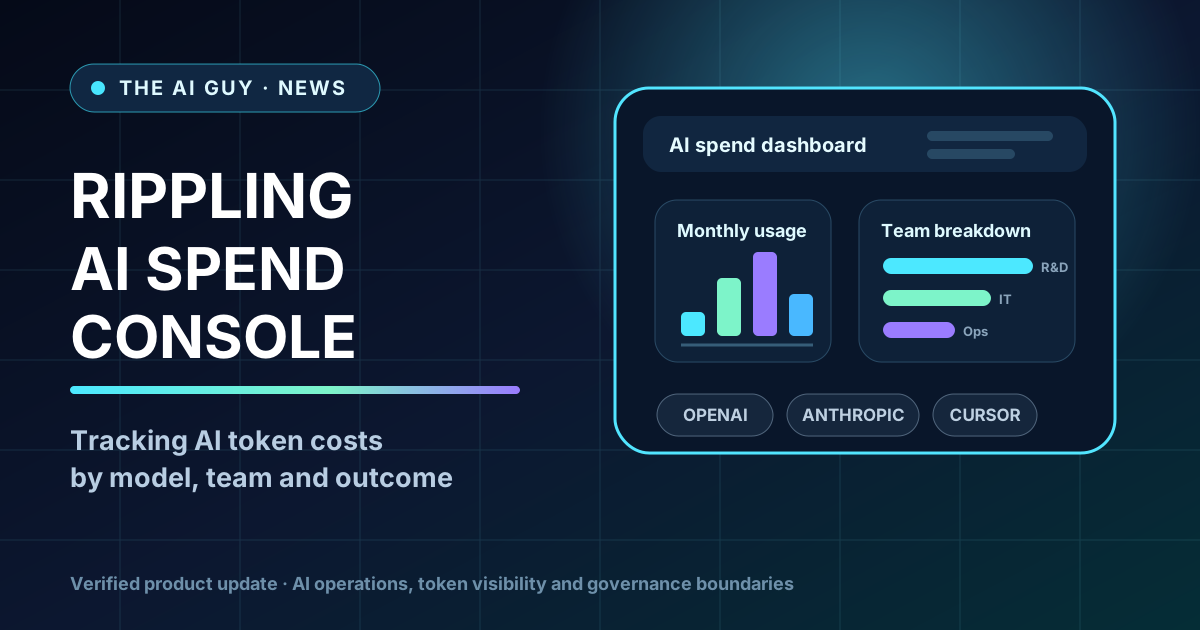
Rippling has launched AI Spend Console, a tool for companies trying to understand and control AI token costs across employee use of tools such as OpenAI, Anthropic and Cursor. The practical shift is that AI usage is moving from broad experimentation into finance, IT and engineering operations.
What Rippling announced
Rippling's August 6 post says it is launching AI Spend Console. The product is designed to give CFOs and CTOs one place to view AI spend, connect it to business outcomes and govern the use of approved LLMs. Rippling's product page says the console can connect Anthropic, OpenAI and Cursor, then break down spend by employee attributes such as team or department.
Why this matters
AI tools are no longer only individual subscriptions. In companies where employees use coding agents, chatbots and model APIs every day, token usage can become a real operating line item. Rippling's launch is a sign that AI spend management is becoming its own workflow: who is using which model, for what work, and whether the spend is connected to useful output.
What the console is supposed to show
Rippling says AI Spend Console can map token spend to signals such as pull requests, code reviews, performance ratings, departments and roles. The useful idea is a management dashboard for checking whether AI usage is concentrated, whether teams are defaulting to expensive models, and where usage needs better routing or policy. Employee-level visibility also raises HR, privacy and workplace-policy questions, so it should not be treated as universally appropriate.
What is available versus coming soon
The product page says non-Rippling customers can start with a 30-day free trial and that AI Spend Console is included for Rippling AI customers. It also says AI Gateway can help manage AI usage with spend limits and model access controls, but marks that capability as coming soon. Keep those two facts separate when evaluating the product.
What is not confirmed
The announcement does not prove that AI Spend Console will reduce costs for every company, improve developer productivity, or fit every privacy and HR policy. The AI Guy has not tested the tool. Companies should verify supported vendors, permissions, data handling, pricing and employee-policy implications before adopting any AI spend dashboard.
The bottom line
Rippling AI Spend Console is worth tracking because AI usage is becoming an operations problem, not just a productivity trend. If your team is already paying for multiple AI tools and cannot connect spend to actual work, this is a concrete product launch to evaluate with finance, IT, engineering and privacy stakeholders in the same room.
Related tools and pages
Official sources
- Rippling launch blog ↗Checked 2026-08-08
- Rippling product page ↗Checked 2026-08-08
- TechCrunch independent report ↗Checked 2026-08-08
This is researched analysis based on public product information. The AI Guy has not independently benchmarked the feature described here.
FAQ
What does Rippling AI Spend Console track?
Rippling says it tracks AI spend and usage across connected tools, including OpenAI, Anthropic and Cursor, and can break that spend down by employee attributes such as team or department.
Is Rippling AI Gateway generally available now?
Rippling's product page says AI Gateway spend limits and model access controls are coming soon. Do not treat those controls as generally available without checking the current product.
Did The AI Guy test Rippling AI Spend Console?
No. This is a researched vendor-update brief based on Rippling's launch materials and independent reporting from TechCrunch.
More News & Guides
Google AI Mode Changes SEO: How AI Tool Sites Can Still Get Cited
AI searchGoogle's AI answers reduce traditional clicks, but they also create a new opportunity: become the source the answer engine cites.
Read guide →
How to Build an LLM Council for Better AI Decisions
AI workflowA practical framework for comparing answers from multiple AI perspectives before making a high-stakes business, product, or strategy decision.
Read guide →
Best AI Presentation Maker Questions to Ask Before Choosing a Tool
AI presentationsBefore choosing Gamma, Canva, Tome, Beautiful.ai, or another AI presentation tool, ask these practical selection questions first.
Read guide →