Independent AI tool rankings, reviews, pricing links and buyer guides171 seed tools · 29 mapped categories · live guide + research queue

AI video editing tools ranked for creators and buyers.

✂️

Best AI Video Editing Tools for Creators in 2026

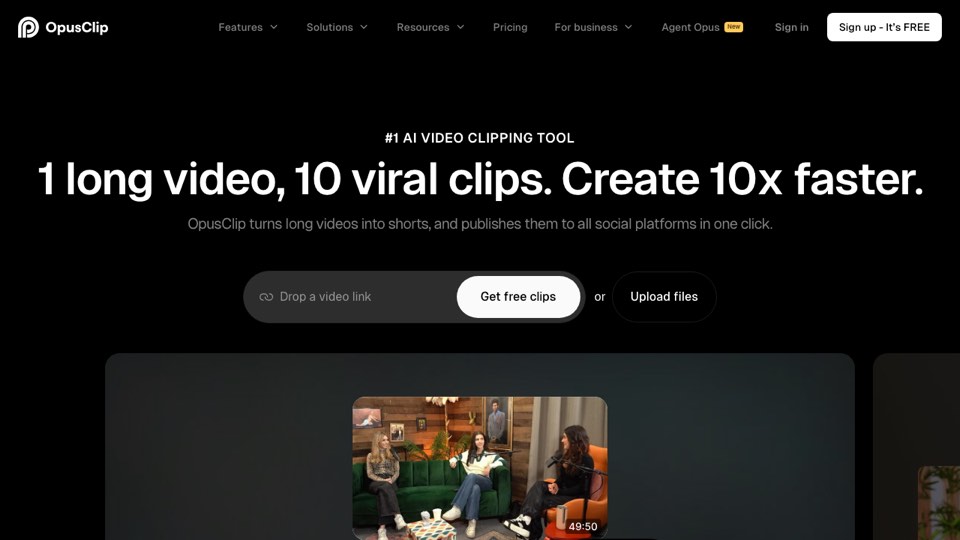
  1. 1.OpusClip
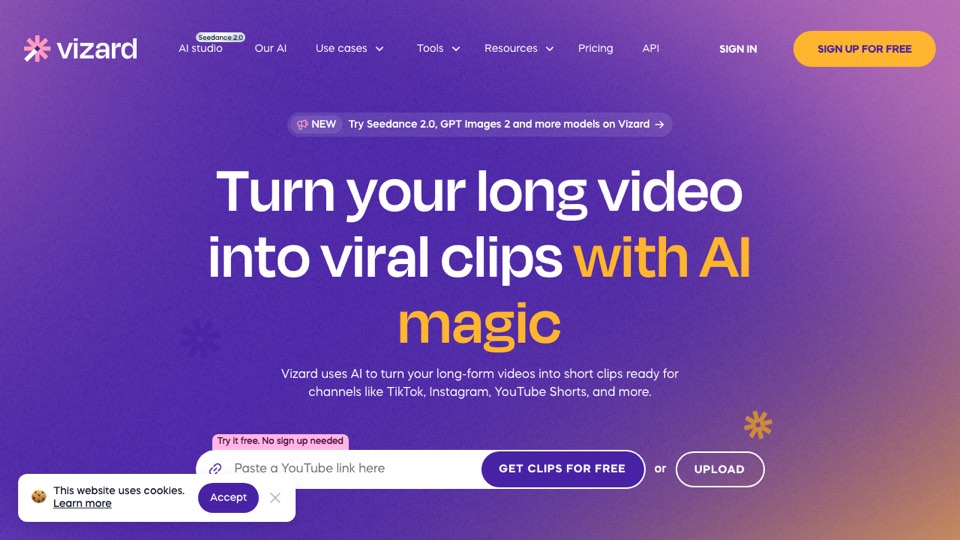
  2. 2.Vizard.ai
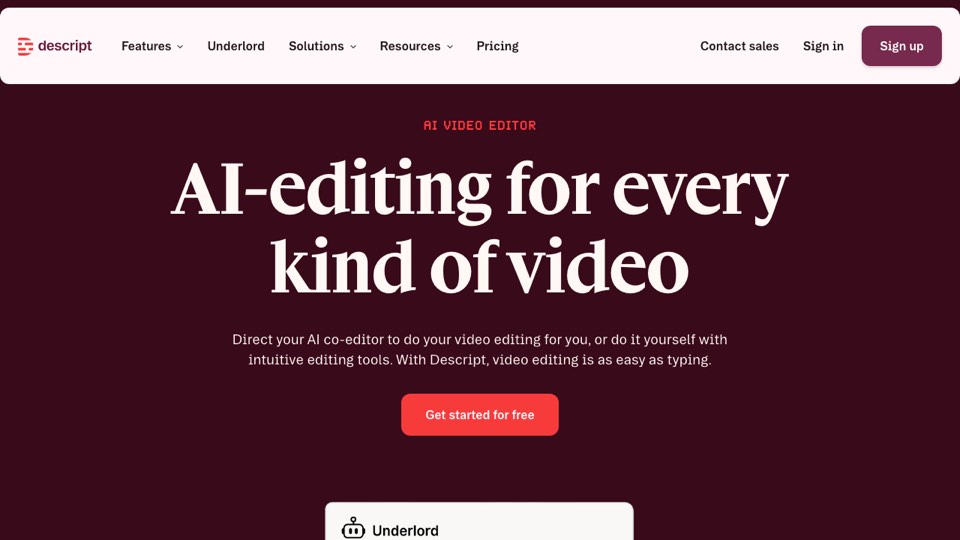
  3. 3.Descript
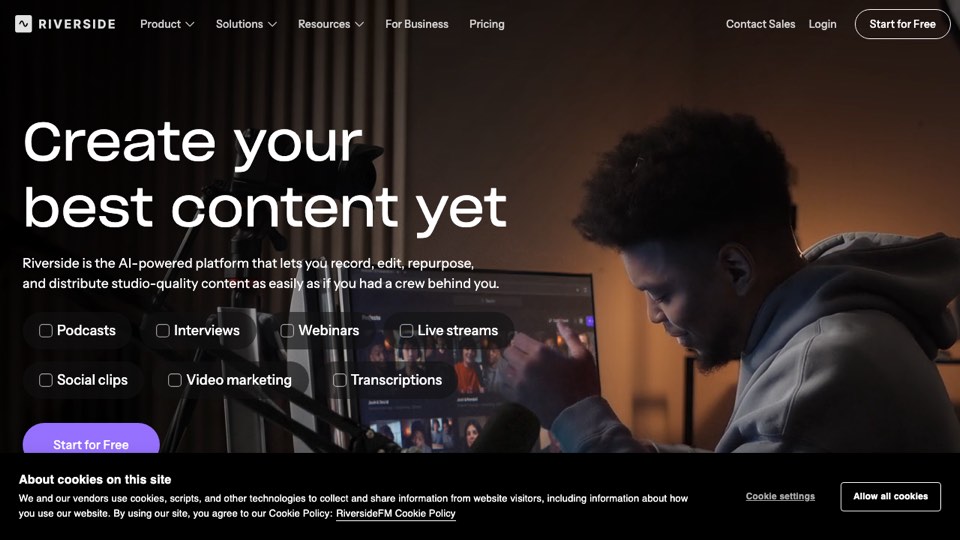
  4. 4.Riverside
  5. 5.VEED
  6. 6.Kapwing
Compare AI video editing tools for creators, podcasts, clips, transcript editing, captions, and social repurposing. Rankings are researched shortlists; final tested claims are only made when testing is complete.
SEE ALL 6 TOOLS →
1

OpusClip

Strong first stop when the job is turning long videos into short clips quickly, with captions and reframing in one workflow.

2

Vizard.ai

Useful for teams comparing clip generation, browser workflow and short-form repurposing without desktop editing overhead.

3

Descript

Best fit when editing the spoken content, transcript and podcast workflow matters as much as social clips.

4

Riverside

Relevant when remote recording and post-production sit in one workflow, especially for podcast/interview teams.

5

VEED

A good comparison point for creators who want browser editing, subtitle styling and social video templates.

6

Kapwing

Worth comparing when templates, team editing and browser-based social video workflows matter.
Vendor info reviewed 2026-07-11 · affiliate disclosure active

Best AI Video Editing Tools for Creators in 2026

Compare AI video editing tools for creators, podcasts, clips, transcript editing, captions, and social repurposing. Open profiles, compare alternatives, or go directly to the vendor. Start with the ranked shortlist, then open profiles, compare alternatives, or visit the official website.

Affiliate links may earn us a commission at no extra cost to you. Rankings are editorial; sponsored placements are labeled. Disclosure

How this ranking is ordered

Tools are ordered by buyer fit, workflow speed, caption/reframe quality, editing control, pricing value, source flexibility, export workflow and evidence level. “Researched” means public/vendor evidence reviewed; workflow-test claims are only made when testing is complete.

Read full methodology

Top 6 at a glance

#1
OpusClip

Creators repurposing long interviews into shorts

freemiumFree plan listedEvidence: researched
#2
Vizard.ai

Teams and creators comparing short-form editing workflows

freemiumFree plan listedEvidence: researched
#3
Descript

Podcasters and teams editing from transcripts

freemiumFree plan listedEvidence: researched
#4
Riverside

Remote interview and podcast teams

freemiumFree plan listedEvidence: researched
#5
VEED

Creators who want captions plus online editing

freemiumFree plan listedEvidence: researched
#6
Kapwing

Teams creating social videos in the browser

freemiumFree plan listedEvidence: researched

Ranked tools

#1
Best for fast long-video repurposing Affiliate candidate

OpusClip

Strong first stop when the job is turning long videos into short clips quickly, with captions and reframing in one workflow.

Best for: Creators repurposing long interviews into shortsAvoid if: You need full manual timeline editing firstfreemiumPricing page reviewed: 2026-07-11

AI clipping platform for turning long videos into social-ready shorts.

#2
Best browser-based repurposing alternative Affiliate candidate

Vizard.ai

Useful for teams comparing clip generation, browser workflow and short-form repurposing without desktop editing overhead.

Best for: Teams and creators comparing short-form editing workflowsAvoid if: You need advanced manual editing controlsfreemiumPricing page reviewed: 2026-07-11

AI video repurposing tool focused on shorts, captions, and quick social edits.

#3
Best transcript-first editor Affiliate candidate

Descript

Best fit when editing the spoken content, transcript and podcast workflow matters as much as social clips.

Best for: Podcasters and teams editing from transcriptsAvoid if: You only want one-click viral clip suggestionsfreemiumPricing page reviewed: 2026-07-11

Podcast and video editing suite with transcription, text-based editing, captions, and clips.

#4
Best recording-plus-editing workflow Affiliate candidate

Riverside

Relevant when remote recording and post-production sit in one workflow, especially for podcast/interview teams.

Best for: Remote interview and podcast teamsAvoid if: You already have recording solved and only need caption polishfreemiumPricing page reviewed: 2026-07-11

Recording platform with podcast/video capture, editing, transcription, and clip repurposing.

#5
Best online editor with captions No verified deal

VEED

A good comparison point for creators who want browser editing, subtitle styling and social video templates.

Best for: Creators who want captions plus online editingAvoid if: You need dedicated podcast clip discovery firstfreemiumPricing page reviewed: 2026-07-11

Browser-based video editor with subtitles, templates, recording and social-video editing workflows.

#6
Best collaborative browser editor to compare No verified deal

Kapwing

Worth comparing when templates, team editing and browser-based social video workflows matter.
Best for: Teams creating social videos in the browserAvoid if: You want a dedicated AI clipping productfreemiumPricing page reviewed: 2026-07-11

Online video editor for captions, templates, repurposing, subtitles and collaborative social content workflows.

Buyer-fit shortcut

Need the fastest shortlist? Start with the top three ranked tools above.

Need a specific workflow? Use the best-for and avoid-if notes before clicking out.

Need proof? Treat researched profiles as shortlists until controlled tests are complete.

Methodology snapshot

Scored by clip selection, caption quality, reframing, workflow speed, editing control, pricing value, team features, source flexibility, multilingual support and export workflow.

Full methodology

FAQ

What is the best AI podcast clipping tool?

For this first guide, OpusClip is the best starting comparison point. Final rankings should improve after identical controlled source-video tests.

Are these rankings sponsored?

No. Sponsored placements must be labeled and do not override editorial ranking.

Can these tools handle Hebrew?

Hebrew and multilingual quality must be tested before we claim a winner.