
How does Claude memory work across chat and Cowork?
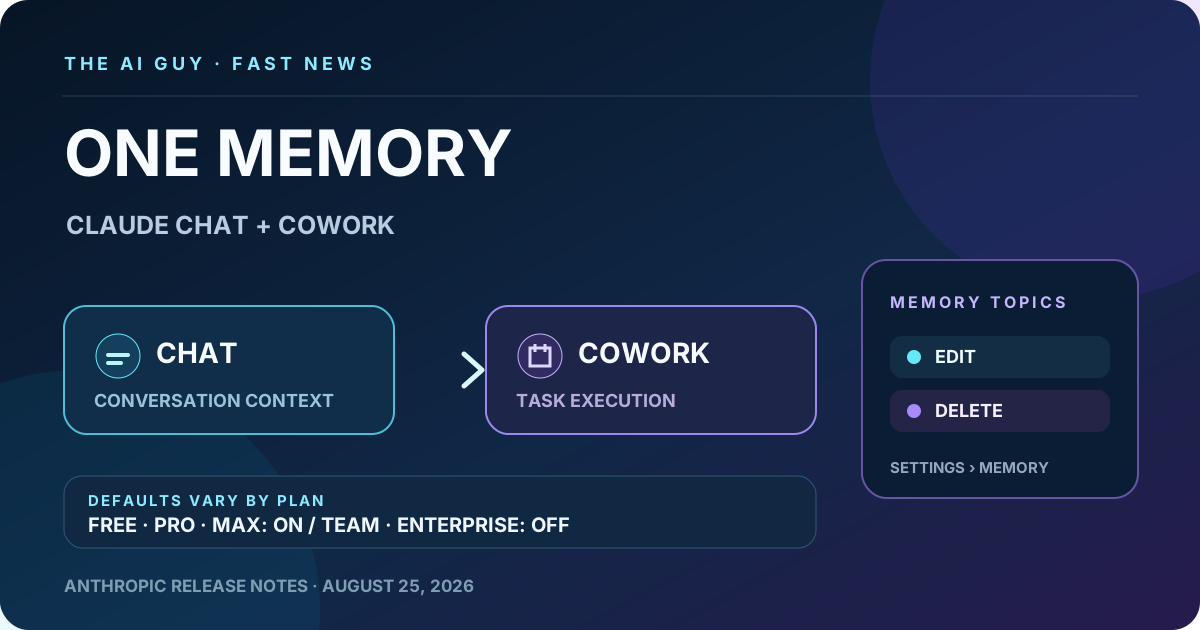
Anthropic says Claude memory now works across cloud chat and Cowork. Remembered information appears as editable Topics in Settings, with memory on by default for Free, Pro and Max and off by default for Team and Enterprise organizations.
What Anthropic changed
Anthropic's August 25 release note says memory now works across Claude chat and Cowork in the cloud. The AI Guy has not tested the feature inside an account, so this is the documented release state rather than a claim that Claude remembers every conversation, every detail or every account in the same way.
Which plans have memory on by default
Anthropic says memory is on by default for Free, Pro and Max plans and off by default for Team and Enterprise organizations. These are documented defaults, not a claim that users or organization administrators cannot change them. The release note does not establish rollout regions, retention periods, storage design or encryption behavior.
What users can control in Memory settings
Anthropic says everything Claude remembers is listed under Topics in Settings > Memory, where a user can edit or delete any item. It also says topics such as health or beliefs stay out of memory unless the user enables Include sensitive topics in memory. That is Anthropic's documented setting behavior, not a guarantee that sensitive information can never be stored or that the feature meets a particular privacy or legal standard.
Why the chat-to-Cowork handoff matters
TechCrunch independently reports that Anthropic merged the memory used by chat and Cowork and exposed remembered topics for review, editing and deletion. The change is designed to reduce repeated project briefing when moving from a conversation into Cowork, but The AI Guy did not measure time savings, recall completeness or memory accuracy.
What to check now
Open Claude's Memory settings, review the Topics list and edit or remove anything you do not want retained. Check whether Include sensitive topics in memory matches your preference. Team and Enterprise users should follow their organization's configured setting rather than assuming the consumer-plan default applies.
The bottom line
Claude's documented cloud memory now spans chat and Cowork, while topic controls and the default state depend on plan type. The release note does not prove complete recall, simultaneous universal rollout or any particular storage, security, retention or compliance property.
Related tools and pages
Official sources
- Anthropic Help Center official release notes ↗Checked 2026-08-25
- TechCrunch independent Claude memory report ↗Checked 2026-08-25
This is researched analysis based on public product information. The AI Guy has not independently benchmarked the feature described here.
FAQ
Does Claude memory work across chat and Cowork?
Anthropic says memory now works across Claude chat and Cowork in the cloud. The release note does not claim perfect or complete recall.
Which Claude plans have memory on by default?
Anthropic says memory is on by default for Free, Pro and Max and off by default for Team and Enterprise organizations.
Can I edit or delete what Claude remembers?
Anthropic says remembered information appears under Topics in Settings > Memory, where users can edit or delete individual items.
Did The AI Guy test Claude's shared memory?
No. This is a researched feature brief based on Anthropic's release notes and independent reporting from TechCrunch.
More News & Guides

Google AI Mode Changes SEO: How AI Tool Sites Can Still Get Cited
AI searchGoogle's AI answers reduce traditional clicks, but they also create a new opportunity: become the source the answer engine cites.
Read guide →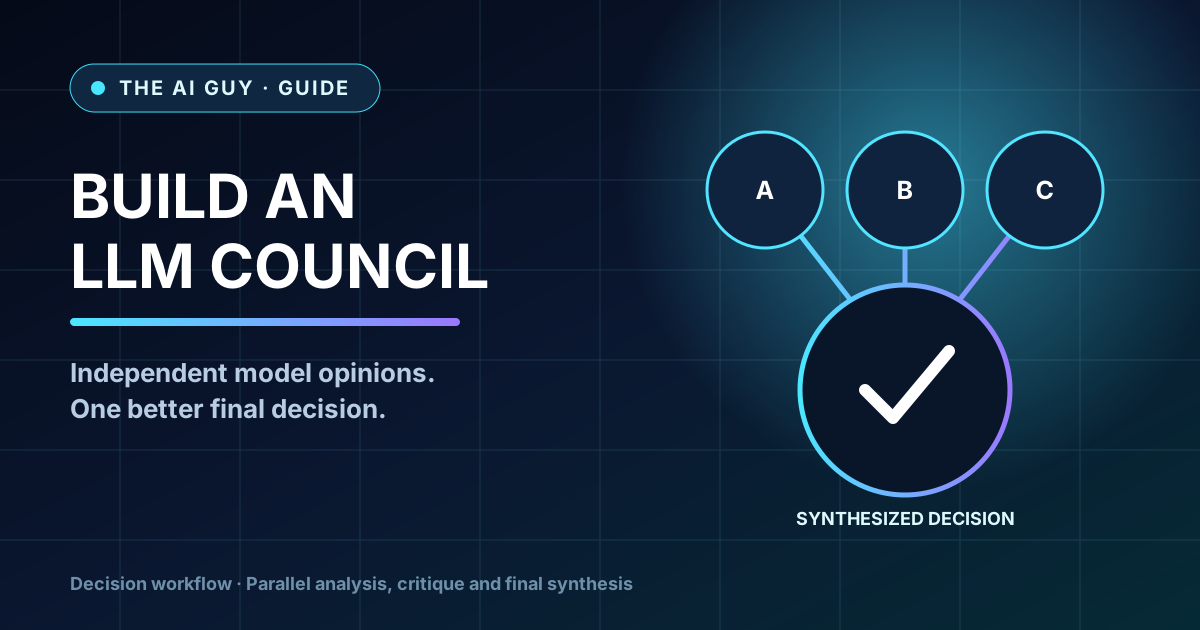
How to Build an LLM Council for Better AI Decisions
AI workflowA practical framework for comparing answers from multiple AI perspectives before making a high-stakes business, product, or strategy decision.
Read guide →
Best AI Presentation Maker Questions to Ask Before Choosing a Tool
AI presentationsBefore choosing Gamma, Canva, Tome, Beautiful.ai, or another AI presentation tool, ask these practical selection questions first.
Read guide →