
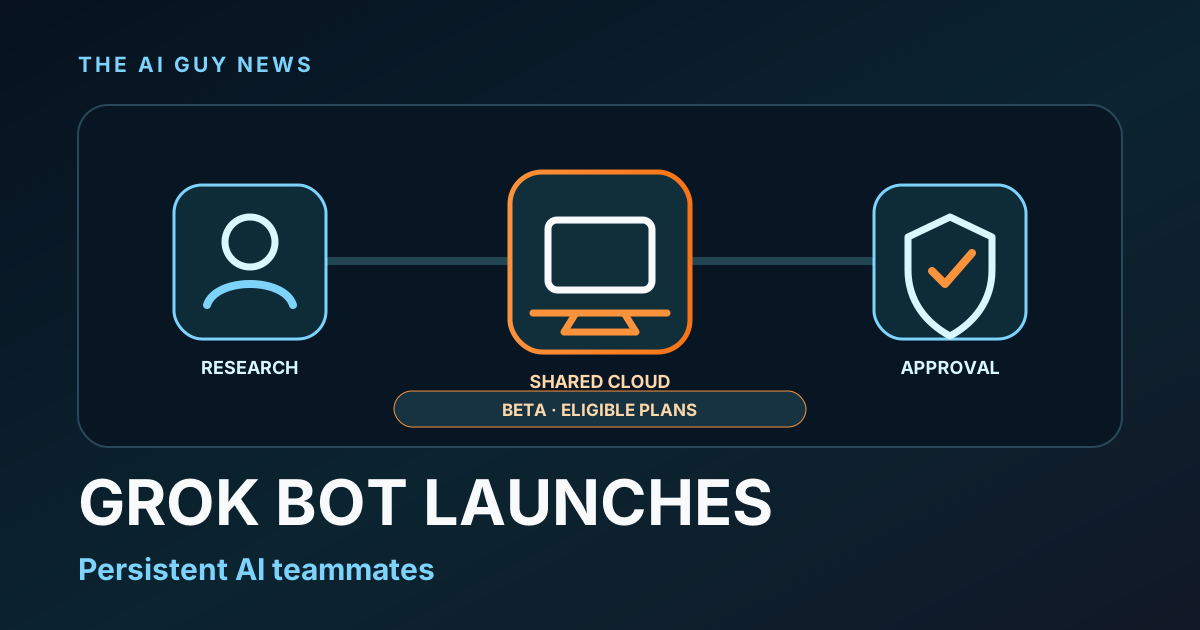
What is Grok Bot and who can use it?
SpaceXAI launched Grok Bot on August 11 as a beta for eligible SuperGrok Heavy and Cursor subscribers. The product packages named persistent agents into desktop and iOS apps, with several Bots able to work through one shared cloud computer, coordinate and reuse saved routines. SpaceXAI's own documentation makes the access boundary explicit: files, browser sessions, app logins and command-line credentials on that computer can be shared across a user's Bots, so separate Bots are not separate security boundaries.
What launched
SpaceXAI launched Grok Bot on August 11 as a beta for SuperGrok Heavy, Cursor Ultra and Cursor Teams Premium subscribers. The desktop app currently supports macOS and Windows, and an iOS app is also available. The company's current documentation says there is no Linux desktop app, while enterprise users are directed to a waitlist. VentureBeat independently confirmed the beta launch and its persistent-agent approach.
What Grok Bot changes
Grok Bot is organized around named, persistent agents rather than one temporary chat. SpaceXAI says each Bot can work through a browser, files, a terminal, connectors and website interfaces, including services without a clean API or MCP connection. Work runs on a cloud computer, and the vendor's documentation says closing the Grok Bot app or the user's laptop does not stop cloud work.
Bots can coordinate and reuse routines
The vendor says several Bots can work in parallel, message one another and hand tasks off inside shared threads. Users can demonstrate a repeatable workflow, save it as a reusable routine and run it later on demand or on a schedule. These are SpaceXAI-described capabilities; The AI Guy has not independently tested their reliability or task-completion quality.
The important shared-computer boundary
All Bots for one user share the same persistent cloud computer. SpaceXAI's documentation says files, browser sessions, app logins and command-line credentials placed there can be available across that user's Bot roster. Separate Bots have separate screens, but they are not separate security boundaries.
Availability has narrow limits
Grok Bot requires cloud data storage and does not support Cursor's Legacy Privacy Mode, according to the primary documentation. SpaceXAI recommends least privilege, starting with read-only tasks and keeping sending, publishing, purchases, deletion, permission changes and production actions behind explicit approval. For passwords, passkeys, two-factor codes and CAPTCHAs, the docs say the Bot should hand control to the user for the blocked step rather than receive credentials in ordinary chat.
What to test before trusting a routine
Start with a reversible, read-only job that has a clear output and source trail. Verify how the Bot handles expired sessions, ambiguous instructions, handoffs and required approvals before connecting a sensitive account or allowing an external action. The retained primary evidence does not establish a standalone Grok Bot price, Android availability, universal enterprise access or unlimited agent usage, and the launch material does not include independent task-completion benchmarks.
The bottom line
Grok Bot is a meaningful agent-workflow launch because it combines persistent named agents, a shared cloud computer, multi-agent handoffs and reusable routines in one desktop and iOS product. Its practical tradeoff is just as important: all Bots for one user share access to the same cloud environment, so careful permissions and review boundaries matter from the first task.
Related tools and pages
Official sources
- SpaceXAI Grok Bot launch announcement ↗Checked 2026-08-16
- SpaceXAI Grok Bot documentation ↗Checked 2026-08-16
- SpaceXAI approvals, security and privacy documentation ↗Checked 2026-08-16
- VentureBeat independent launch report ↗Checked 2026-08-16
This is researched analysis based on public product information. The AI Guy has not independently benchmarked the feature described here.
FAQ
What is Grok Bot?
SpaceXAI describes Grok Bot as a beta for creating named persistent agents that can work across apps and websites from a shared cloud computer.
Who can use Grok Bot?
The August 11 launch lists SuperGrok Heavy, Cursor Ultra and Cursor Teams Premium subscribers. The desktop app supports macOS and Windows, and an iOS app is available; enterprise users are directed to a waitlist.
Do separate Grok Bots have separate security boundaries?
No. SpaceXAI's documentation says a user's Bots share one cloud computer, including files, browser sessions, app logins and command-line credentials placed there.
Did The AI Guy test Grok Bot?
No. This is a researched launch brief based on SpaceXAI's announcement and documentation plus independent reporting from VentureBeat.
More News & Guides
Google AI Mode Changes SEO: How AI Tool Sites Can Still Get Cited
AI searchGoogle's AI answers reduce traditional clicks, but they also create a new opportunity: become the source the answer engine cites.
Read guide →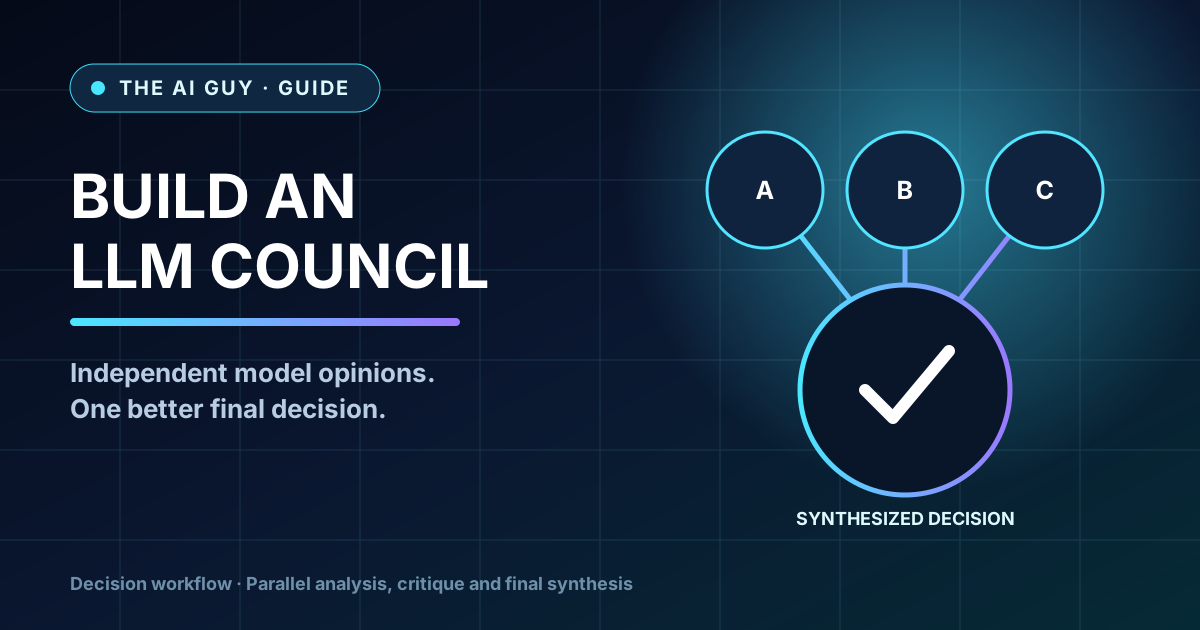
How to Build an LLM Council for Better AI Decisions
AI workflowA practical framework for comparing answers from multiple AI perspectives before making a high-stakes business, product, or strategy decision.
Read guide →
Best AI Presentation Maker Questions to Ask Before Choosing a Tool
AI presentationsBefore choosing Gamma, Canva, Tome, Beautiful.ai, or another AI presentation tool, ask these practical selection questions first.
Read guide →